
Library › Developer Pain
🧱 Developer Pain
Why CORS Errors Happen (and How to Fix Them)
You call your API from your website and the browser console turns red: "blocked by CORS policy". The same request works perfectly in Postman. It's one of the most-searched errors in web development, and it feels like the browser is broken. It isn't. Once you see what the browser is protecting, the fix becomes obvious, and it's almost always on the server.
⏱ Developer Pain series: the integrations and errors that waste the most developer hours, explained with moving pictures.
1. What "origin" means
An origin is three parts of a web address: the scheme (https), the host (shop.com) and the port (443, hidden by default). The path after it doesn't matter. If any one of the three is different, it's a different origin.
Page on https://shop.com calls… | Same origin? | Why |
|---|---|---|
https://shop.com/api/cart | ✅ Yes | only the path is different |
https://api.shop.com | ❌ No | different host (a subdomain counts) |
http://shop.com | ❌ No | different scheme |
https://shop.com:8080 | ❌ No | different port |
http://localhost:3000 → http://localhost:8080 | ❌ No | different port: the classic local-development case |
Try it: same origin checker
Paste the address of your page and the address your code is calling. Nothing is sent anywhere: the check runs in your browser.
| Scheme | Host | Port |
|---|
2. Why the browser blocks it
Imagine you're logged in to your bank in one tab. In another tab you open a shady website. Its hidden JavaScript tries to fetch bank.com/balance. If browsers allowed that, any website you visit could quietly read your email, your bank and your company's internal tools, all using your logged-in session.
So browsers follow the same-origin policy: a page's JavaScript may freely read responses from its own origin, but not from other origins, unless that other server says it's okay. That "unless the server says okay" part is CORS: Cross-Origin Resource Sharing.
That's also why Postman, curl and your backend never see this error. They aren't browsers holding a user's cookies and logins, so the rule doesn't apply to them.
3. The fix: the server gives permission
Every cross-origin request from a browser carries an Origin header saying where it came from. If the server's reply includes a matching Access-Control-Allow-Origin header, the browser lets your code read the reply.
Request (sent by the browser)        Response (sent by your server)
GET /products                        HTTP/1.1 200 OK
Origin: https://myshop.com           Access-Control-Allow-Origin: https://myshop.com
                                     Vary: Origin
This is the key idea: CORS is fixed on the server you're calling, not in your front-end code. No fetch option or front-end library can give itself permission. If you don't control that server (a third-party API without CORS support), call it from your own backend instead and have your page talk to your backend.
4. The preflight: "May I?"
Simple GET and basic form POST requests go straight out. But for anything that could change data in a way old websites never could, such as PUT, DELETE, a Content-Type: application/json body or custom headers like Authorization, the browser first sends a quick preflight request using the OPTIONS method:
A lot of "my CORS headers are set but it still fails" problems are here: the headers are added to the normal route, but the OPTIONS request hits an authentication check, a 404 or a redirect before it gets them. Make sure OPTIONS requests get a fast 204 with the Access-Control-Allow-Methods and Access-Control-Allow-Headers you need. Access-Control-Max-Age lets the browser remember the answer for a while, so it doesn't ask every time.
5. Fixes that work
Pick the one for your server. In every case, list your exact front-end origins.
Node.js (Express) with the cors package:
const cors = require("cors");
app.use(cors({ origin: ["https://myshop.com"], credentials: true }));
Django with django-cors-headers:
INSTALLED_APPS += ["corsheaders"]
MIDDLEWARE.insert(0, "corsheaders.middleware.CorsMiddleware")
CORS_ALLOWED_ORIGINS = ["https://myshop.com"]
Nginx in front of any backend:
location /api/ {
  add_header Access-Control-Allow-Origin  "https://myshop.com" always;
  add_header Access-Control-Allow-Methods "GET, POST, PUT, DELETE, OPTIONS" always;
  add_header Access-Control-Allow-Headers "Content-Type, Authorization" always;
  if ($request_method = OPTIONS) { return 204; }
  proxy_pass http://backend;
}
Local development: let your dev server forward API calls, so the browser only ever talks to one origin. In Vite (vite.config.js):
export default { server: { proxy: { "/api": "http://localhost:8080" } } }
Now your page calls /api/products on its own origin, and the dev server passes it to port 8080 behind the scenes. React, Angular and Vue tooling all have the same feature.
Reading the error message
The console message tells you exactly which rule failed:
| The message says… | What it means | Fix |
|---|---|---|
| No 'Access-Control-Allow-Origin' header is present | The server didn't give permission at all | Add the header for your origin on the server |
| …must not be the wildcard '*' when the request's credentials mode is 'include' | You send cookies or a login, but the server allows * | Name the exact origin and add Access-Control-Allow-Credentials: true |
| Response to preflight request doesn't pass access control check | The OPTIONS request failed (404, 401, redirect, or no headers) | Let OPTIONS through without login and answer it with 204 + the allow headers |
| Request header field authorization is not allowed by Access-Control-Allow-Headers | You send a header the server didn't list | Add it to Access-Control-Allow-Headers |
Mistakes to avoid
- Turning CORS off in your browser (extensions or startup flags) only fixes it on your computer. Your users will still see the error.
mode: "no-cors"in fetch doesn't bypass anything: it gives you an empty, unreadable response.- Reflecting any Origin back with credentials allowed is the same as allowing every website to act as your logged-in users. Keep an allow-list.
- Thinking CORS protects your API. It protects users in browsers. Anyone can still call your API with curl, so you still need real authentication.
Key takeaways
- An origin is scheme + host + port. Change any one and it's cross-origin.
- Browsers block reading cross-origin replies to protect logged-in users: the same-origin policy.
- CORS is the server's way of saying "this origin may read my replies", using
Access-Control-Allow-Origin. - Some requests send an
OPTIONSpreflight first, which the server must answer. - Fix it on the server (or with a dev proxy), never by disabling the browser's check.
Quiz: test yourself
1. Are https://shop.com and https://api.shop.com the same origin?
No. The host is different, and a subdomain counts as a different host.
2. Why does the request work in Postman but not in the browser?
Because the same-origin policy is a browser rule that protects users' logged-in sessions. Postman and curl don't apply it.
3. Where do you fix a CORS error?
On the server being called, by sending Access-Control-Allow-Origin (and answering preflights), or by routing the call through your own backend or dev proxy.
4. Which requests trigger a preflight?
Ones that aren't "simple": for example PUT or DELETE, a JSON body, or custom headers like Authorization.
5. Can you use Access-Control-Allow-Origin: * with cookies?
No. With credentials the server must name the exact origin and send Access-Control-Allow-Credentials: true.
Further reading
- MDN: Cross-Origin Resource Sharing (CORS)
- MDN: Same-origin policy
- The Fetch Standard: the CORS protocol
New to APIs? Start with What Is an API?, then see how the browser finds the server in How DNS Works.
Two new visual guides every week
Plus animated tech explainers on YouTube and Facebook.
More from the Library
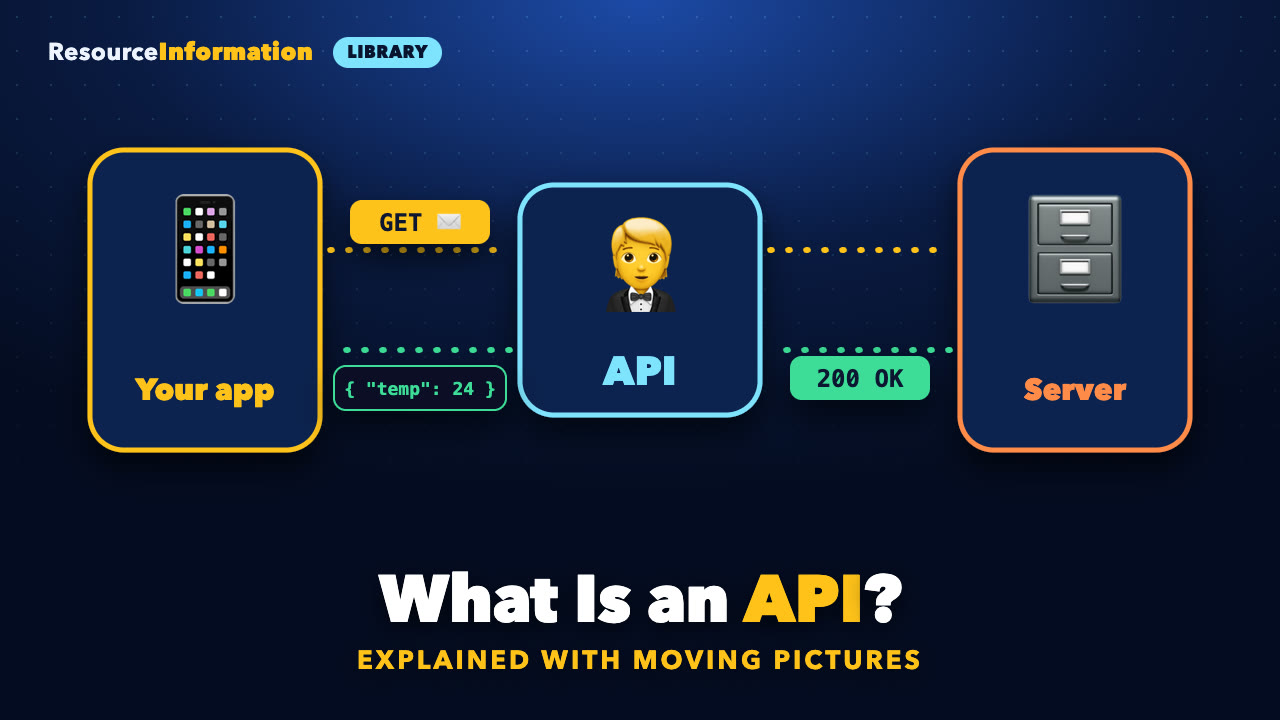
What Is an API?
APIs explained like a restaurant waiter: see requests and responses travel, learn GET, POST, status codes and JSON, then make a real API call yourself.
Read with pictures →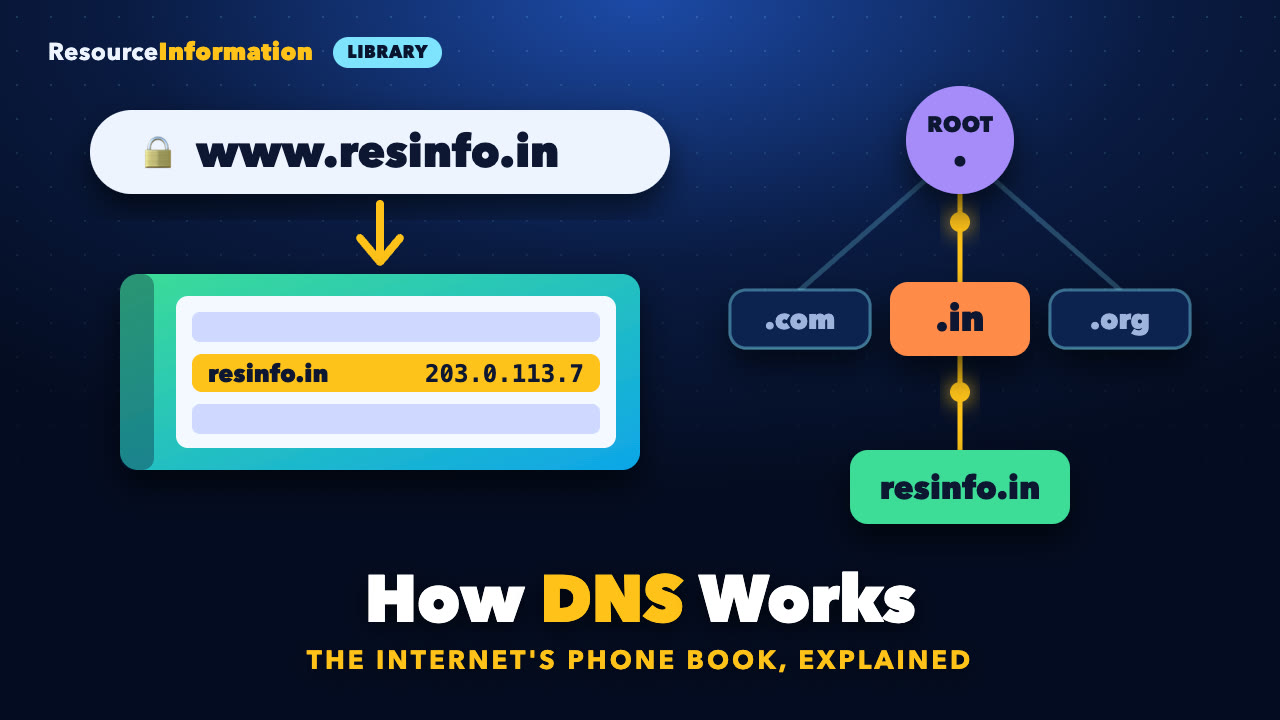
How DNS Works
How does typing a name like resinfo.in find the right computer? Watch a DNS lookup travel from your browser to the root, .in and name servers, then try a live lookup yourself.
Read with pictures →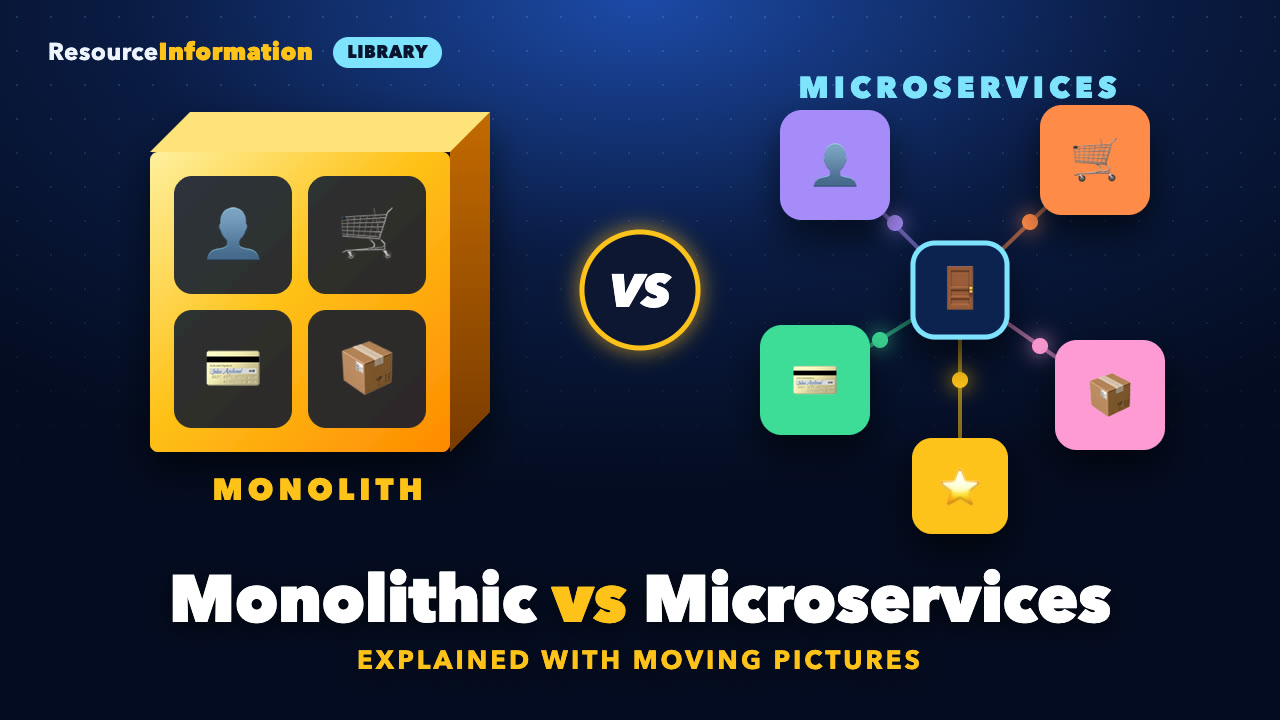
Monolithic vs Microservices
One big app or many small ones? See how monoliths and microservices deploy, scale and fail, with running diagrams, real company stories and a quick decision helper.
Read with pictures →